Ancient City Finder
Bedrock 1.21 – 26.52 · Java 1.20 – 26.3About the Ancient City Finder
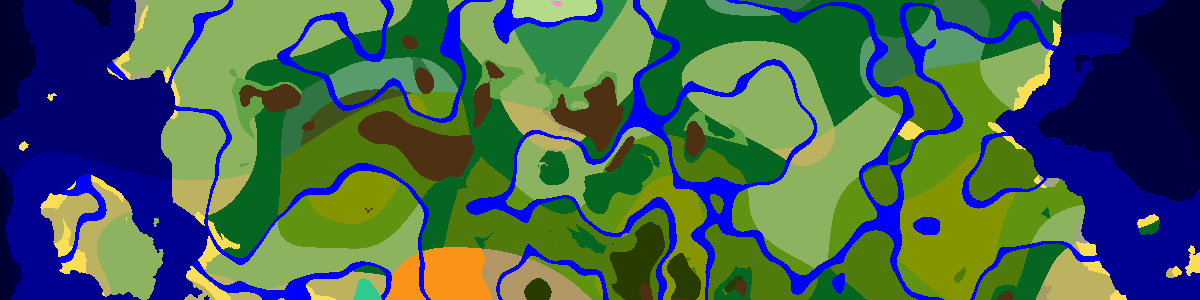
Ancient cities lie buried in the deep dark, and the X and Z on this page tell you where to start digging. Load a seed and version to list the cities nearest spawn; click one to center the map and compare it with the terrain above, since cities usually sit beneath high ground. Bring wool and patience: a warden is only a few shrieks away.
Deep dark first, city second
The city grid is tight: one attempt per 24×24-chunk region (384×384 blocks), always at least 8 chunks from its neighbors. The catch is the biome. The game checks for deep dark underground at the city's position, and the deep dark only forms in some places, typically far below mountains. Most attempts fail, so cities are much rarer than the grid suggests. Bedrock uses the same 24-chunk grid but averages two rolls per axis, pulling its cities toward the middle of each region.
A city's floor sits around Y −51. Open the seed in the Seed Map with the biome height set to Bottom (Y −51) to see the deep dark patches the cities belong to.
Loot found nowhere else
Ancient cities are the only source of Swift Sneak books, of echo shards (eight plus a compass make a recovery compass) and of the Ward and Silence armor trims. Their chests also roll enchanted golden apples, Disc 5 fragments and enchanted diamond leggings.
Getting in without waking the warden
Sculk shriekers summon the warden after a few warnings, and they react to sculk sensors. Sneak everywhere, since sneaking does not set sensors off, and lay wool or carpet where you have to walk normally: stepping on wool makes no vibration, and wool between you and a sensor blocks one. Mine slowly, keep fights away from the center, and bring a way out in case the warden appears anyway.
If it does, remember that the warden is blind. It tracks vibrations and smell, so an arrow or snowball landing on a block away from you pulls it toward the noise. Left alone without sensing anything for a while, it digs back into the ground.
Frequently asked questions
At what Y level are ancient cities?
Around Y −51. Dig a staircase down at the coordinates listed here; once you break in, the large reinforced-deepslate frame in the middle of the city is a good landmark.
Can I use /locate for ancient cities?
Yes, in Java: /locate structure minecraft:ancient_city. It gives X and Z like this page does but leaves the height blank, so still dig down to about −51.
Want a world that already has one close to spawn? Browse the Ancient City seeds in the seed library.
Latest seeds
all seeds →More apps
all apps → Village Finder
 Stronghold Finder
 Ruined Portal Finder
 Ocean Monument Finder
 Woodland Mansion Finder
 Trial Chamber Finder
 Pillager Outpost Finder
 Desert Temple Finder
 Jungle Temple Finder
 Igloo Finder
 Shipwreck Finder
 Buried Treasure Finder
 Ocean Ruins Finder
 Swamp Hut Finder
 Mineshaft Finder
 Nether Fortress Finder
 End City Finder