Minecraft Seed Finder
Bedrock 1.21 – 26.52 · Java 1.20 – 26.3About the Seed Finder
Describe the world you want as a short list of conditions, such as a structure within some distance of spawn, a pair of witch huts within farm range, no ocean nearby or a spawn up high, and the finder keeps testing random seeds against them. Matches pile up in a results list, and any of them opens on the map above for a closer look before you create the world.
Five kinds of condition
Open + Add criterion and choose one:
- Structure: a type and how many of it, inside a radius.
- Biome: a set of biomes with a rule, either has any of them, has all of them, has none of them, or only them.
- Structure cluster: several structures inside one circle, for example two swamp huts within 128 blocks of each other.
- Terrain height: the median ground height around the point, such as a spawn between Y 100 and 320.
- Island: land at the point with ocean all around it inside the radius.
Distances in each condition count from one of two anchors: the seed's spawn point, or an X and Z you type in. The page opens with one example already filled in: a village within 500 blocks of spawn.
Making a search finish sooner
A seed has to pass every condition, so the rarest one decides how long you wait. Put the hard requirement first (a mushroom island, a woodland mansion, a quad witch hut), keep its radius around 2,000 to 4,000 blocks, and add common structures afterwards. If thirty seconds bring nothing, one rule is probably too strict. Coarser biome sampling, every 16 or 32 blocks instead of every 4, speeds up biome rules at the cost of missing small patches.
Bedrock searches run each candidate through the Bedrock structure generators and are somewhat slower than Java ones. The chips above the conditions load ready-made searches, among them a speedrun start and a quad witch hut.
Checking a result before you play
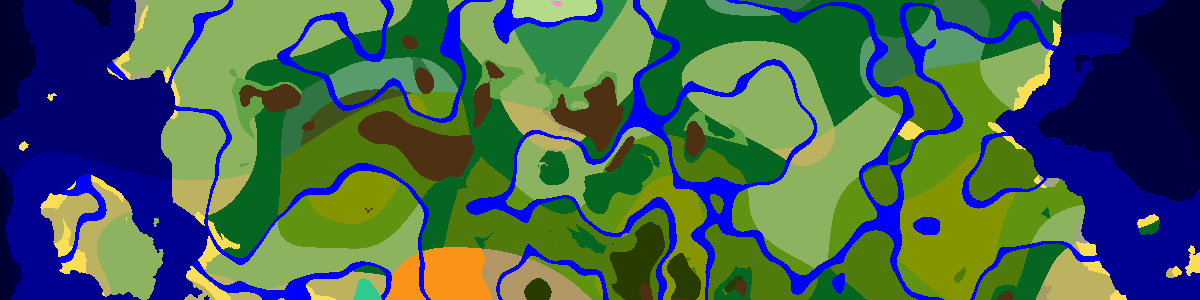
Seeds appear while the search runs. Selecting one draws it on the map above, and N and P step through the others; Copy all copies the whole list. The finder and the map share the same generator code, so whatever a condition matched is drawn on the map too. Zoom in and make sure the layout suits you, or open the seed in the seed map or a single-structure page such as the village finder.
Frequently asked questions
Does it search every possible seed?
No. There are 2 to the power of 64 seeds, so the finder samples random ones and tests each against your conditions. Press Search more to keep going after a run stops.
Will a seed found for Java work on Bedrock?
No. Java and Bedrock run different random number generators for structure placement, so the same number gives a different world in each. Pick the edition before you start the search.
Can I search around my base instead of spawn?
Yes. Switch a condition from spawn to fixed X and Z and type the position of your base; the radius is then measured from there.
Latest seeds
all seeds →More apps
all apps → Village Finder
 Stronghold Finder
 Ruined Portal Finder
 Ocean Monument Finder
 Woodland Mansion Finder
 Ancient City Finder
 Trial Chamber Finder
 Pillager Outpost Finder
 Desert Temple Finder
 Jungle Temple Finder
 Igloo Finder
 Shipwreck Finder
 Buried Treasure Finder
 Ocean Ruins Finder
 Swamp Hut Finder
 Mineshaft Finder
 Nether Fortress Finder
 End City Finder