Ocean Monument Finder
Bedrock 1.21 – 26.52 · Java 1.20 – 26.3About the Ocean Monument Finder
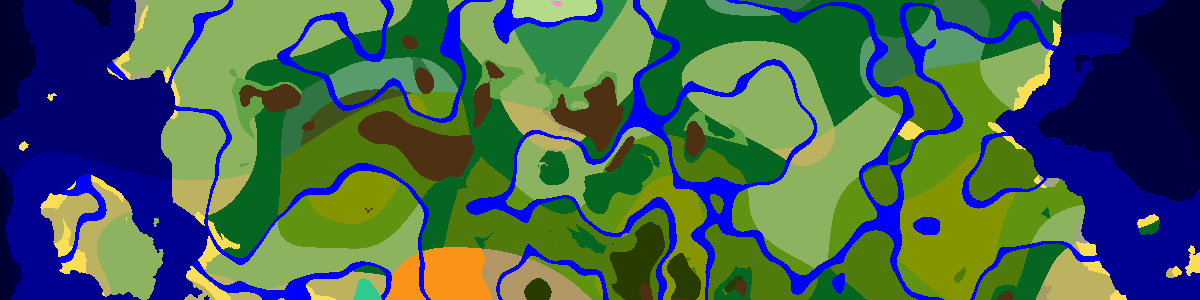
Ocean monuments sit in deep water, guarded by elder guardians, and are the only reliable source of prismarine, wet sponges and a guardian farm. Load your seed and version, and every monument within reach of spawn is marked on the map and listed underneath. Choose the closest one and look at the map for land nearby to stage from.
What a monument needs
Monuments roll once per 32×32-chunk region (512×512 blocks), and the spot is the average of two rolls on each axis, so they gather toward the middle of their region instead of spreading evenly. Two biome checks follow. The center must be a deep ocean of any temperature, and everything within roughly 29 blocks must be ocean or river. A narrow arm of deep water is not enough, so expect monuments in wide open sea.
The building itself is 58×58 blocks. Bedrock uses the same 32-chunk spacing with its own random numbers.
Raiding it
Three elder guardians, one in the top chamber and one in each wing, keep inflicting Mining Fatigue on anyone nearby, so most players kill all three before mining anything. Eight gold blocks are hidden inside the core room under prismarine, and sponge rooms hold wet sponges you can dry in a furnace. Water breathing, Depth Strider boots and night vision make the job far easier.
The walls themselves are the other prize: prismarine, dark prismarine and sea lanterns that you cannot get in bulk anywhere else. In Java each elder guardian also drops a wet sponge and has a chance to drop the Tide armor trim.
A guardian farm needs a monument
Guardians spawn in water inside the monument's bounds, so farms drain part of the structure and funnel the mobs into a kill chamber. It is a long project, so pick a monument near spawn or your base. The ocean ruins and shipwreck finders show what else lies in the same water.
Frequently asked questions
Can an ocean monument generate in a frozen ocean?
Yes. Any deep ocean works, deep frozen and deep cold included, as long as the water around it is wide enough.
Why does my seed have so few monuments?
The deep ocean requirement. A region whose chosen spot lands on land, on a shelf of shallow water or near a coast simply has no monument, and in continental areas that covers most regions.
Which command finds the nearest monument?
In Java, /locate structure minecraft:monument with cheats enabled. Compare the answer with this list to make sure you picked the right version.
Want a world that already has one close to spawn? Browse the Ocean Monument seeds in the seed library.
Latest seeds
all seeds →More apps
all apps → Village Finder
 Stronghold Finder
 Ruined Portal Finder
 Woodland Mansion Finder
 Ancient City Finder
 Trial Chamber Finder
 Pillager Outpost Finder
 Desert Temple Finder
 Jungle Temple Finder
 Igloo Finder
 Shipwreck Finder
 Buried Treasure Finder
 Ocean Ruins Finder
 Swamp Hut Finder
 Mineshaft Finder
 Nether Fortress Finder
 End City Finder