Minecraft Biome Finder
Bedrock 1.21 – 26.52 · Java 1.20 – 26.3About the Biome Finder
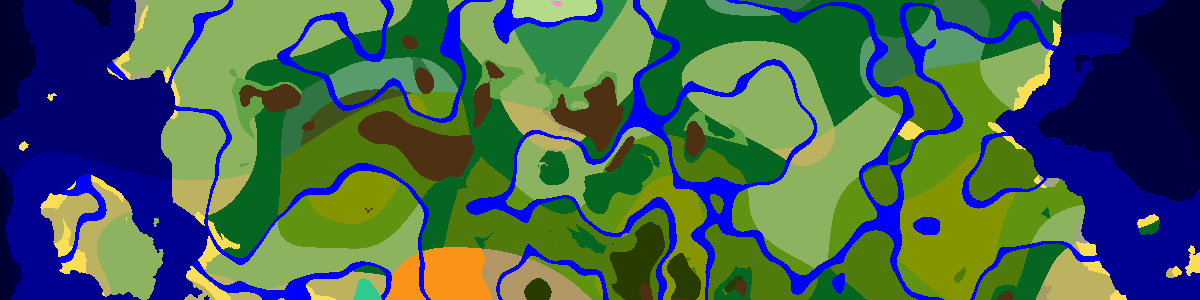
This map shows the biomes of a Bedrock or Java seed where the generator puts them. Tick biomes in the Highlight list to keep them in full color while the rest fades, which makes a lone mushroom island or a small cherry grove easy to spot from far out. Enter the seed, choose the version, then pan and zoom to read off coordinates.
Working the highlight list
The list holds every biome the generator knows, including names from older versions that no longer appear in 1.20 and later worlds, such as Desert Hills or Jungle Hills; those simply never light up. Tick as many as you like. The counter shows how many are active and Clear brings back full color.
Version matters here. The pale garden exists only from Java 1.21.4, so choose Java 1.21.4+ – 26.1 or newer before hunting for one; on 1.20 or 1.21.1 it can never show up.
Surface biomes and cave biomes
Since 1.18 the biome changes with height. This page reads biomes near sea level (Y 63), which is right for everything you walk on but leaves most cave biomes out. For lush caves, dripstone caves, the deep dark or the 26.2 sulfur caves, press Open in Seed Map and set the biome height to Underground (Y −16) or Bottom (Y −51).
The deep dark is worth that extra step: an ancient city can only generate inside it.
Tracking down rare ones
Mushroom fields form far out at sea, so zoom out and scan open ocean rather than the land around spawn. Ice spikes, badlands and jungles are large once found, yet many seeds have none close by. When a biome is missing from the area you care about, the seed finder can look for a seed that has it inside a radius you choose.
Highlighting also helps with structure hunting, because many structures are tied to one biome. Tick plains, meadow, desert, savanna, taiga and snowy plains to see where villages are possible, or swamp alone for witch huts; mangrove swamp never gets one.
Frequently asked questions
Can I use the biome finder for a Bedrock world?
Yes. Pick a Bedrock version in the list. Current Bedrock and Java versions generate the same biomes from the same seed, so a biome found here is where your Bedrock world has it too; it is the structures that differ between the editions.
How do I confirm a biome in-game?
In Java the F3 screen names the biome at your feet. With cheats on, /locate biome minecraft:cherry_grove (or any other biome ID) points to the nearest one.
Latest seeds
all seeds →More apps
all apps → Village Finder
 Stronghold Finder
 Ruined Portal Finder
 Ocean Monument Finder
 Woodland Mansion Finder
 Ancient City Finder
 Trial Chamber Finder
 Pillager Outpost Finder
 Desert Temple Finder
 Jungle Temple Finder
 Igloo Finder
 Shipwreck Finder
 Buried Treasure Finder
 Ocean Ruins Finder
 Swamp Hut Finder
 Mineshaft Finder
 Nether Fortress Finder
 End City Finder