Ocean Ruins Finder
Bedrock 1.21 – 26.52 · Java 1.20 – 26.3About the Ocean Ruins Finder
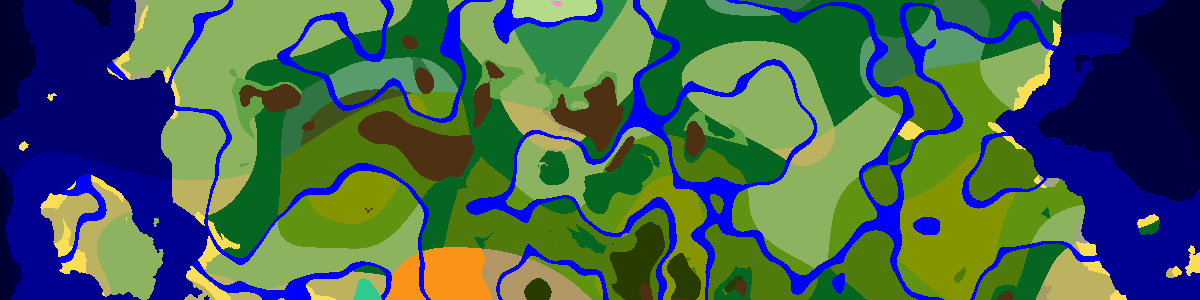
Ocean ruins are crumbling stone or sandstone buildings on the sea floor, often in groups, with drowned standing around them. Pick your seed and version to plot the ruins near spawn; the list underneath ranks the closest. Click any of them to center the map and check whether it sits in deep or shallow ocean before you dive.
The tightest ocean grid
Ocean ruins use 20×20-chunk regions (320 blocks), with the attempt somewhere in the first 12 chunks of each axis. Any ocean biome qualifies, so out at sea they come thick and fast on a smaller grid than monuments or shipwrecks, and in an ocean-heavy seed the twelve listed here are only the nearest handful. Bedrock uses the same 20-chunk grid in current versions.
Cold or warm, small or large
The water temperature picks the style. Plain, cold and frozen oceans and their deep versions get cold ruins built from stone bricks; lukewarm and warm oceans get warm ruins of sandstone. A ruin can also generate large, and large ones are sometimes surrounded by a cluster of smaller ruins. On Bedrock about three ruins in ten come out large, rising to one in two in deep plain, cold or frozen ocean.
Chests and archaeology
Ruin chests can hold buried treasure maps, emeralds, gold, enchanted books and fishing gear. Since 1.20 the ruins also carry suspicious sand (warm) and suspicious gravel (cold) to brush, and warm ruins are the only place sniffer eggs come from. A map found here leads to treasure you can also look up directly with the buried treasure finder.
Drowned and tridents
Drowned generate with the ruins and keep spawning in the surrounding water, so expect company. Some of them spawn holding a trident, and those are the only drowned that can drop one; it is the only way to get a trident in survival. Fight them from a boat or the ruin's walls rather than in open water, where their thrown tridents hit hard.
Frequently asked questions
Which ocean ruins have sniffer eggs?
Warm ones. Brush the suspicious sand in sandstone ruins in lukewarm or warm oceans; cold stone-brick ruins have suspicious gravel instead, with pottery sherds but no eggs.
What /locate IDs do ocean ruins use?
Java splits them by style: /locate structure minecraft:ocean_ruin_cold or minecraft:ocean_ruin_warm, or #minecraft:ocean_ruin for either.
Latest seeds
all seeds →More apps
all apps → Village Finder
 Stronghold Finder
 Ruined Portal Finder
 Ocean Monument Finder
 Woodland Mansion Finder
 Ancient City Finder
 Trial Chamber Finder
 Pillager Outpost Finder
 Desert Temple Finder
 Jungle Temple Finder
 Igloo Finder
 Shipwreck Finder
 Buried Treasure Finder
 Swamp Hut Finder
 Mineshaft Finder
 Nether Fortress Finder
 End City Finder