Bedrock & Java Seed Map
Bedrock 1.21 – 26.52 · Java 1.20 – 26.3About the Seed Map
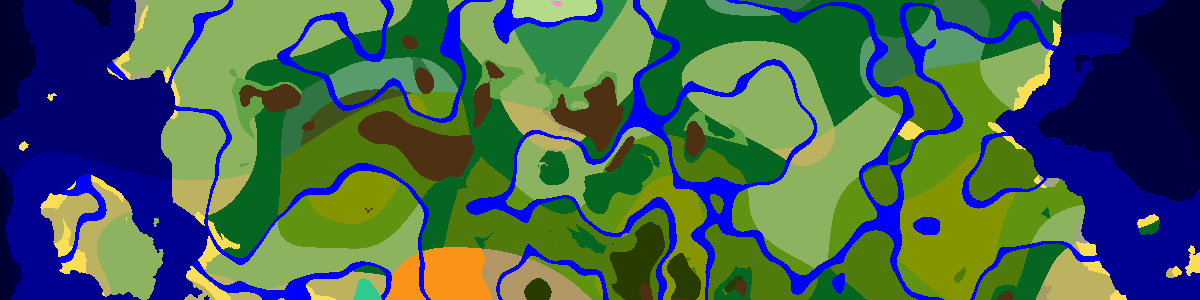
Paste a world seed into the bar above the map and the whole world draws itself: biomes, structure icons and the spawn point, plus slime chunks and stronghold rings when you switch them on. Set the edition and the exact version first, because structure placement and biome layout both change between releases.
Reading the map
Colors are biomes and icons are structures. Click an icon for its coordinates, drag to move around and use the wheel to zoom; the scale bar in the corner tells you how many blocks one pixel covers. Right-clicking copies a teleport command for the spot under the cursor, which is handy when you test a seed in a creative copy of your world.
The Structures tab picks which icons are drawn, and the Biomes tab fades everything except the biomes you tick. Layers adds the chunk grid, a measuring tool, slime chunks, stronghold rings and terrain shading. Coordinates are ordinary block coordinates: X grows to the east, Z grows to the south.
Surface, underground and the other dimensions
Biomes have varied with height since 1.18, so the seed bar has a height selector. Surface samples at Y 63, Underground at Y −16 and Bottom at Y −51, the floor level of ancient cities. Lush caves, dripstone caves, the deep dark and, from Java 26.2, sulfur caves only appear on the lower two settings.
The dimension menu switches to the Nether or the End. Nether coordinates are one eighth of Overworld ones, so a fortress at X 200, Z −96 lines up with Overworld X 1600, Z −768 when you link portals.
Searching from the map
The Finders tab turns the viewer into a search tool. Structures lists the closest of any type with distance and direction. Ores estimates ore positions for Java worlds; caves and aquifers are not modeled, so some land in open air or water. Spawners & Huts looks for groups such as dungeon spawners or witch huts close together, and the Seed Finder tests random seeds against conditions you set, the same tool as the seed finder page.
Share in the seed bar copies a link that reopens the same seed, edition and view for anyone you send it to.
Frequently asked questions
Why does my world not match the map?
Almost always the edition, version or seed is off. Read the seed with /seed in Java or from the world settings in Bedrock, then pick the version the world was created in. Worlds made with Large Biomes, superflat, mods or worldgen datapacks will not match the default generator.
Can I use a word as the seed?
Yes. A text seed is turned into a number the way Java Edition does it (Java String.hashCode), so typing the same word gives the same world the game would create from it.
Does the map show structures in the Nether and the End?
Yes. Switch the dimension in the seed bar: the Nether shows fortresses and bastions, the End shows its cities and gateways, each in that dimension’s own coordinates.
Latest seeds
all seeds →More apps
all apps → Village Finder
 Stronghold Finder
 Ruined Portal Finder
 Ocean Monument Finder
 Woodland Mansion Finder
 Ancient City Finder
 Trial Chamber Finder
 Pillager Outpost Finder
 Desert Temple Finder
 Jungle Temple Finder
 Igloo Finder
 Shipwreck Finder
 Buried Treasure Finder
 Ocean Ruins Finder
 Swamp Hut Finder
 Mineshaft Finder
 Nether Fortress Finder
 End City Finder