Desert Temple Finder
Bedrock 1.21 – 26.52 · Java 1.20 – 26.3About the Desert Temple Finder
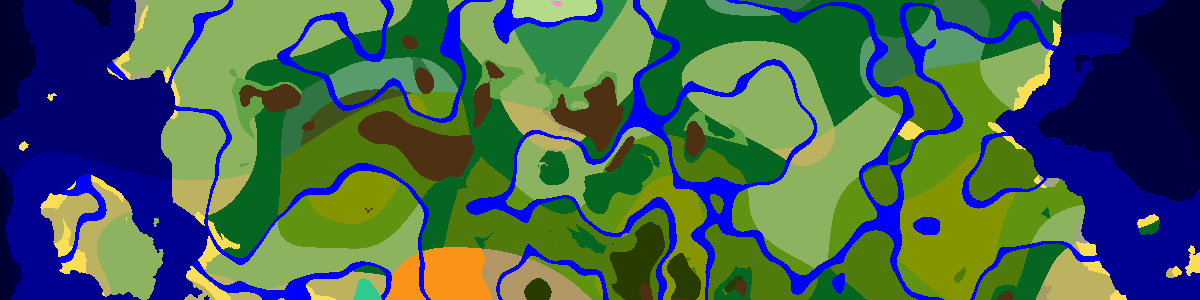
Desert temples hide four chests in a secret room beneath the main hall. Type a seed and pick the version, and the map shows each pyramid near spawn while the list underneath sorts them by distance. Click a row to center one, travel to those coordinates and look for the orange and blue terracotta pattern in the middle of the floor.
Desert, and only desert
In Java, temples get one attempt per 32×32-chunk region (512 blocks), in the region's first 24 chunks on each axis. The spot must be desert; badlands and beaches do not count. In 1.18 and later the ground at all four corners of the 21×21 footprint also has to sit roughly above sea level, which rules out spots where the desert dips toward water. A large desert can still hold several pyramids a few hundred blocks apart.
One shared spot on Bedrock
On Bedrock, desert temples, jungle temples, witch huts and igloos all draw from a single 32-chunk placement grid with the same random salt. Each region gets one spot, and the biome there decides which of the four appears, if any. A Bedrock desert temple therefore never shares its region with an igloo or a witch hut, whereas each of them has an independent grid in Java.
The hidden room and its trap
Dig down through the blue terracotta in the center of the floor rather than jumping: the room below holds four chests and a stone pressure plate wired to nine TNT. Break the plate first. The chests can contain diamonds, emeralds, gold, enchanted books, golden apples, now and then an enchanted golden apple, and the Dune armor trim. Since 1.20 the pyramid also has suspicious sand you can brush for pottery sherds.
Once the plate is gone the trap becomes loot as well: mine the nine TNT blocks and they drop as items. Pyramids stand on the surface, so from a hill or in flight they are easy to spot against the flat sand, and the coordinates here take you straight to the right dune.
Frequently asked questions
Is a desert temple the same as a desert pyramid?
Yes. The game calls it a desert pyramid and players usually say desert temple. In Java, /locate structure minecraft:desert_pyramid finds the nearest one.
Why does my desert have no temple?
Each 512-block region gets one attempt, and a pyramid appears only if that exact spot is desert with high enough ground. A small desert can easily miss every attempt.
Want a world that already has one close to spawn? Browse the Desert Pyramid seeds in the seed library.
Latest seeds
all seeds →More apps
all apps → Village Finder
 Stronghold Finder
 Ruined Portal Finder
 Ocean Monument Finder
 Woodland Mansion Finder
 Ancient City Finder
 Trial Chamber Finder
 Pillager Outpost Finder
 Jungle Temple Finder
 Igloo Finder
 Shipwreck Finder
 Buried Treasure Finder
 Ocean Ruins Finder
 Swamp Hut Finder
 Mineshaft Finder
 Nether Fortress Finder
 End City Finder